Using the People tab
Use the People tab to manage the employee records in WORKSuite.
-
Select the People tab.
-
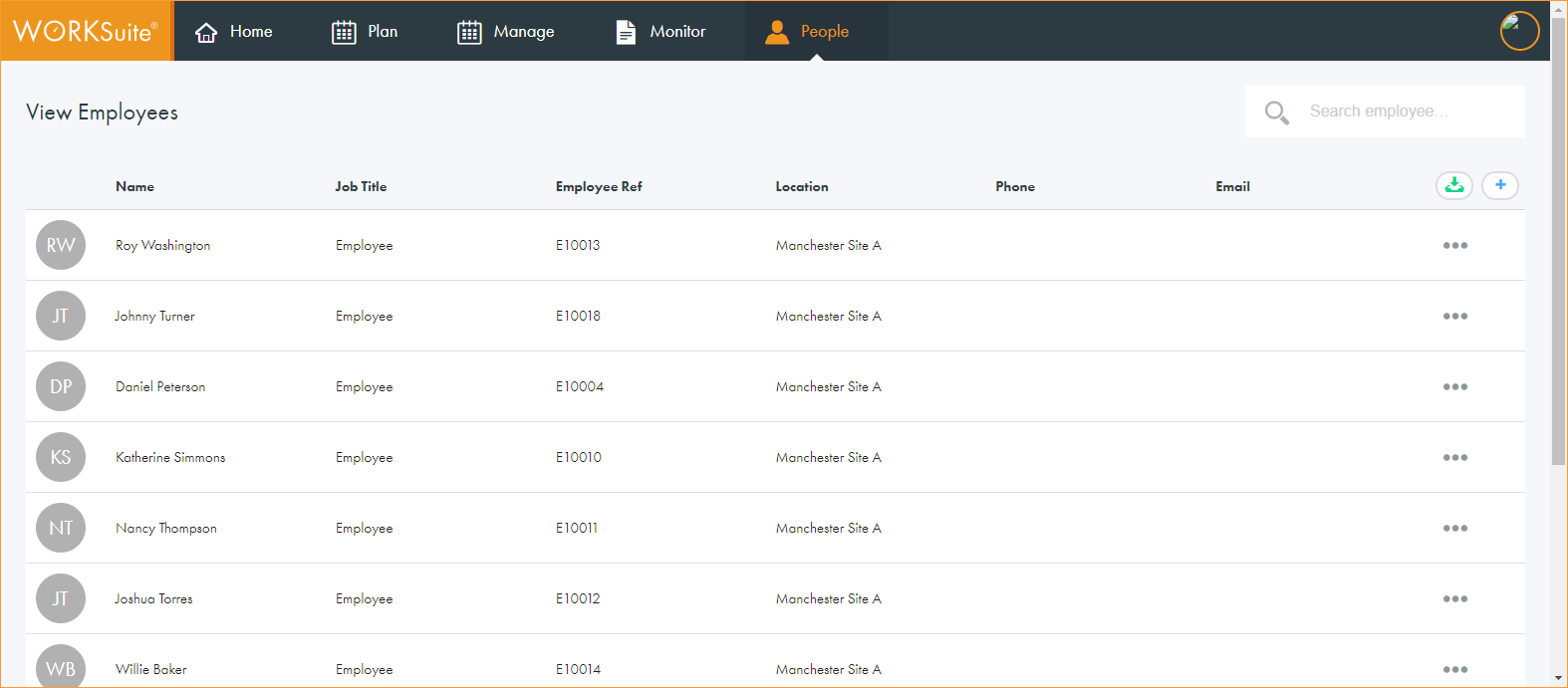
All employee records are listed when you first open the tab:
-
Click in any of the column headers to sort the records as required.
-
Use the navigation tools at the bottom of the screen to determine the number of records that are displayed on the screen and move through the pages of records.
-
Choose to:
-
Import employee records. This is currently in development.
-
Update basic employee details, such as job title and contact details.
-